

Read (2 mins)
It’s normal for the first 3 to 5 days for newly registered Google Business Profiles (GBPs) to still say “processing”. If it’s been longer than 5 days, then most likely you are either dealing with a glitch or a delay.
Why Do Glitches and Delays Happen?

With the postcard method, you should typically wait up to 2 weeks before receiving the code in the mail.
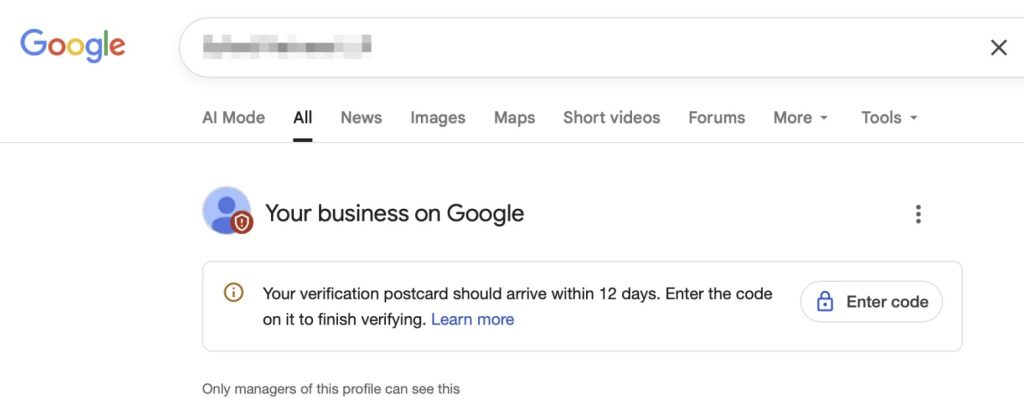
Afterwards, head over to your GBP dashboard to find the verification tool. Then, make sure to enter the code shown in your postcard.
If your profile shows processing after entering your verification code, but Google’s verification tool shows your GBP as “complete”. Then it’s a glitch, not a delay.
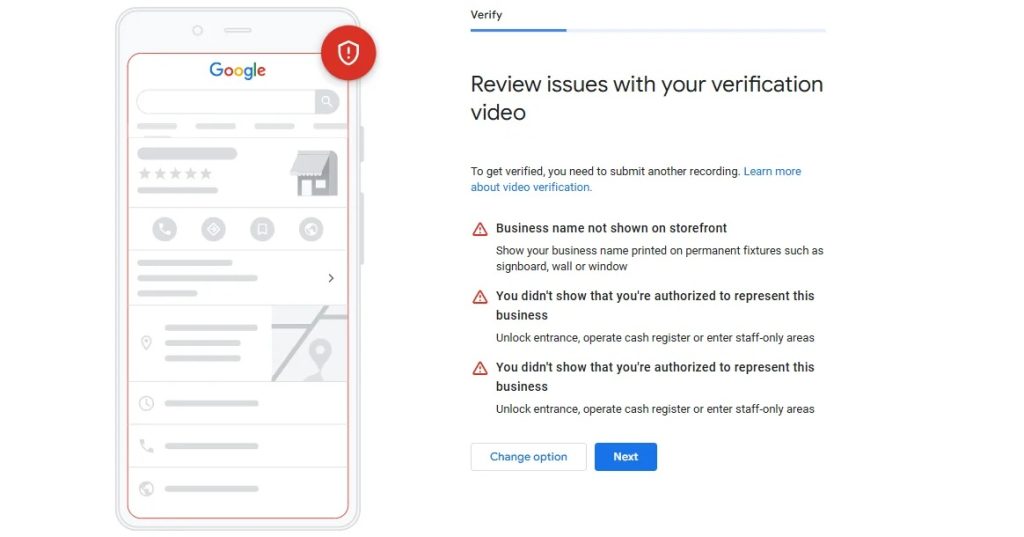
But, if you’ve opted for video verification, then it’s most likely a delay, not a glitch. Because this process must be done manually by Google’s staff, it can take 1 to 3 weeks.
For video verification, Google rejects applications due to issues with the video. Make sure to show the business name in the storefront and prove that you are the authorized representative well enough within the video.
How Do You Fix Glitches and Delays?
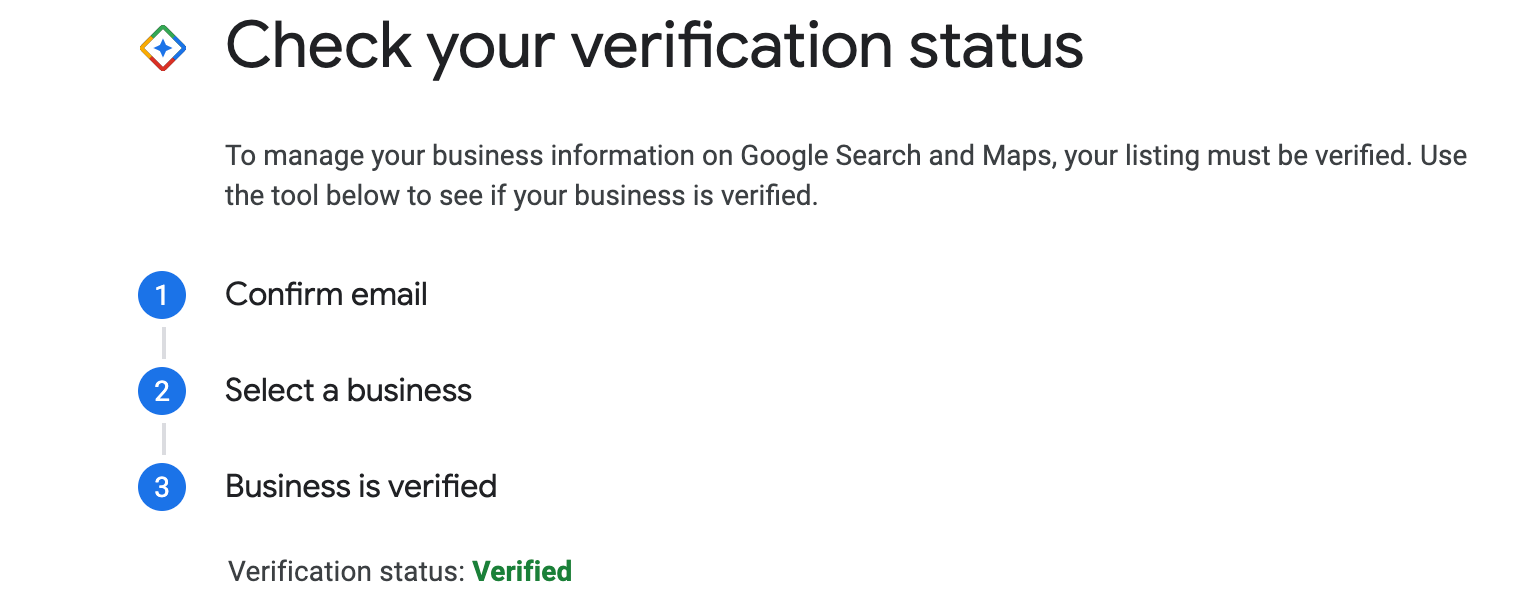
If it’s been more than 5 days, then you need to do some checks before contacting support. First, check if the current status says verified to make sure it’s not a glitch in Google’s verification tool.
Warning: Some business owners panic and usually try resubmitting the code multiple times. This can trigger Google’s abuse filters and potentially freeze the verification process.
Also, avoid making any edits to your GBP while it’s processing verification. Do not edit the business name, address, or category, which can also cause an automatic suspension.
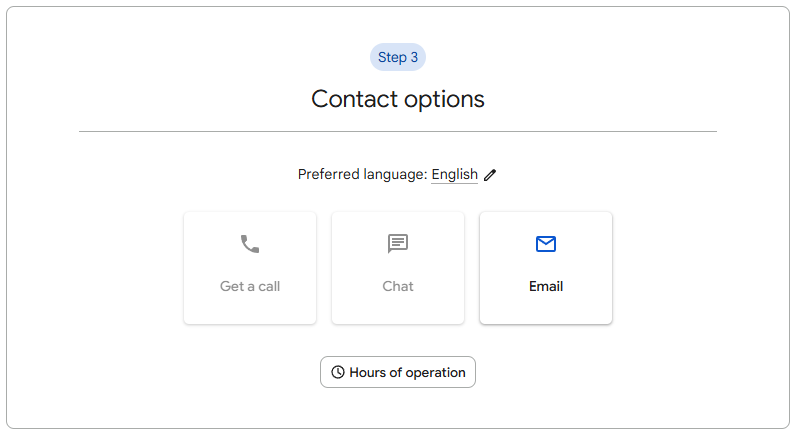
Then go to your GBP dashboard and check if it still says processing. If it does, then it is a glitch, and you should contact Google support. You can find this option within your GBP dashboard.
For delays, usually you just need to wait until a human staff member at Google has had time to manually check the video. Otherwise, you should get an email saying that your verification video was rejected.
Want This Fixed, Not Just Explained?
If you want this dealt with properly, our Google Maps optimization service, which starts at $375, includes everything: profile, citations, keyword strategy, and fixing the precise issue you came here for. Consider booking a free consultation with me by clicking here.