

Read (2 mins)
If an organized and coordinated fake review attack from a competitor is targeting your business profile, the process to stop it differs from a one-off troll leaving a bad review on your Google Business Profile (GBP).
Unlike a single fake review, stopping a coordinated attack involving multiple fake reviews requires documenting a pattern of behaviour. You must build evidence (screenshots) to create a compelling case.
Coordinated vs. Single Fake Reviews
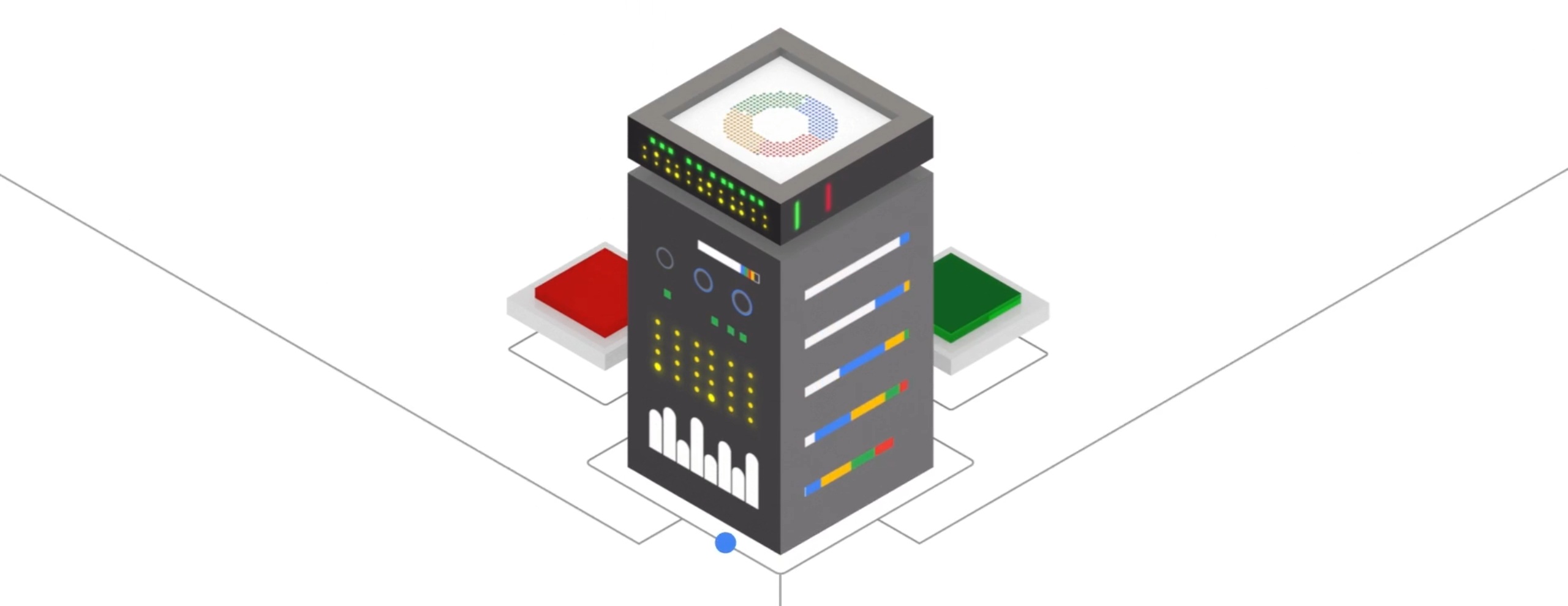
FYI: Google’s automated moderation systems stop the majority of spam and fake reviews. But competitor-run accounts can slip through.
This is because the Gmail accounts your competitor uses to leave the fake reviews are likely based in the same city as your business, making them appear more like real user reviews to Google’s automated filters.
Fake review manipulation is illegal, and repercussions are enforced. For example, the US Federal Trade Commission (FTC) issued $2.4 million in fines to Fashion Nova for fake review manipulation.
What this means for you: If you can build enough evidence to prove your competitor is behind a coordinated attack, not only can you have the negative reviews removed, but you could have a legal case against them.
How to Stop Fake Competitor Reviews
Documenting the pattern: Take screenshots of each review and the profile of the “individual” making each review. Maybe they also posted a positive review for your competitor. This helps build your evidence.
Finding consistent red flags: Look for patterns like the same AI-based text structure, post dates, or a direct mention of your competitor being a better alternative to you, connecting all the fake negative reviews.
Avoid responding publicly: I usually advise businesses to respond to one-off fake reviews. However, unlike a random fake review, responding publicly to coordinated attacks draws more negative PR to your business.
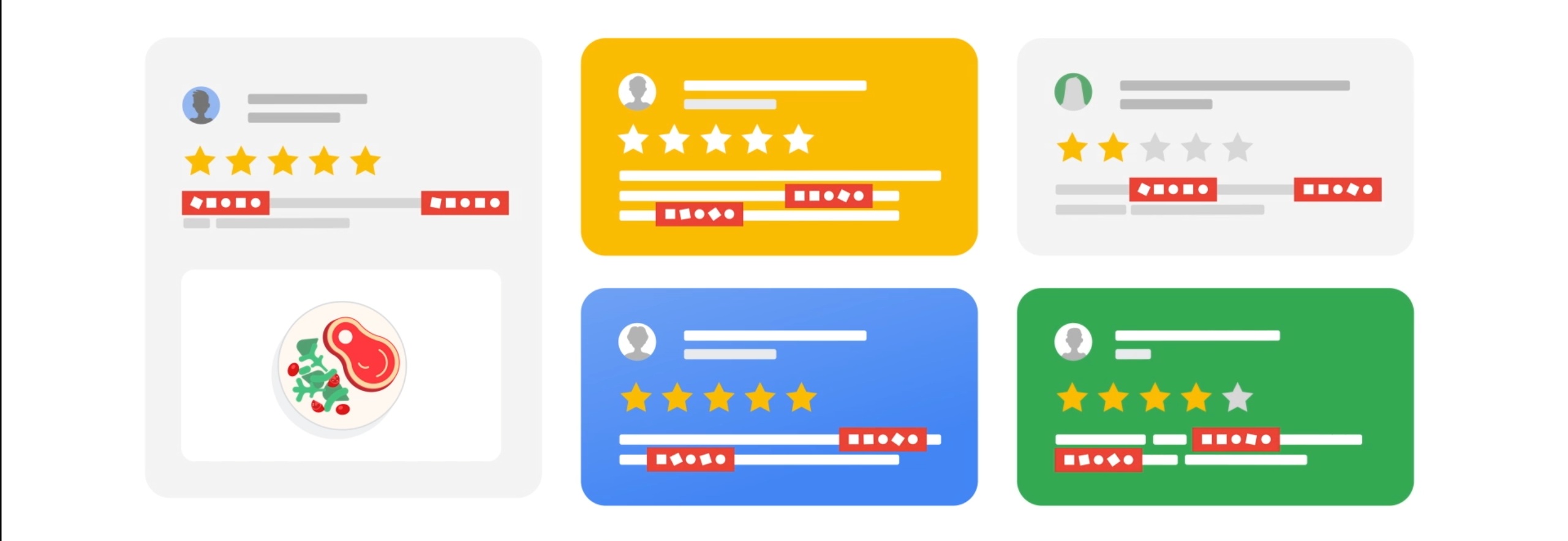
Conflict of interest violations: When flagging the reviews to Google, make sure to select the “Conflict of Interest” category of violations. Then, track the status of your reports in the Reviews Management Tool.
Your legal options: Filing a “John Doe” lawsuit if you can prove the fake reviews are causing measurable harm. This option allows you to legally subpoena Google.
Essentially, you’re forcing Google to provide the IP addresses of the Gmail accounts. Allowing you to legally unmask the anonymous attackers.
If the reputational damage was excessive, consider escalating to the FTC by filing a report here. This is your nuclear option.
Disclaimer: The information provided in this post is for general informational purposes only. By no means does this constitute legal advice or create an attorney-client relationship.
Want This Fixed, Not Just Explained?
If you want this dealt with properly, our Google Maps optimization service, which starts at $375, includes everything: profile, citations, keyword strategy, and fixing the precise issue you came here for. Consider booking a free consultation with me by clicking here.