
Read (2 mins)
The reason you lost your Google ranking after a name change is that Google has triggered a “trust reset” to verify your new Name, Address, and Phone (NAP) data across the web before restoring your prior trust.
When you make a “major change” to your Google Business Profile (GBP), you unfortunately trigger a profile “re-evaluation” from Google. That is why changing your business name on GBP can temporarily hurt rankings.
The good news is that after you get through Google’s “re-evaluation” phase successfully, which takes 2-8 weeks, your business profile should be back to normal as long as you avoid a few major potential mistakes.
The reason the “re-evaluation” phase takes so long is to give you time to update your new business name everywhere else.
Re-establishing Trust And Relevance
Note: If you’re ever going to change your business name on GBP, try to use your legally registered name. This way, in case you have an issue and contact Google support, you can have documents ready to justify it.
This means, if your phone number also changes, then make sure to update it everywhere. Your website, other business directory listings, and the social accounts for your business. Keep it all consistent.
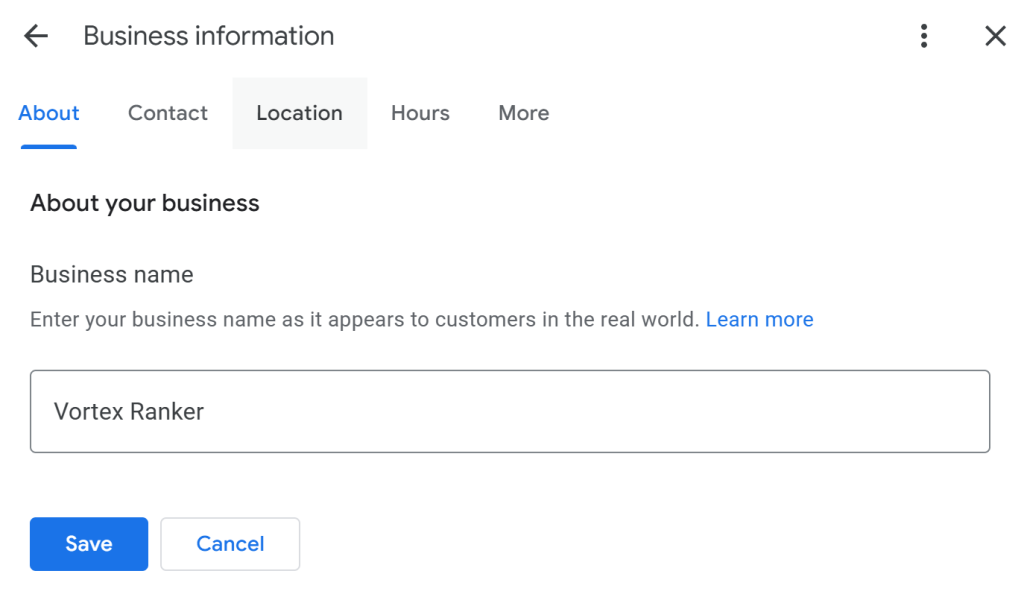
After making the change, start by updating your new business name on your website, then on other major citations like Apple Maps, Bing Maps, Yelp, and finally update your social accounts.
Proximity tip: When you change your name, Google’s algorithm “resets” your local proximity radius. You might rank #1 at your doorstep, but you’ll need to re-earn the trust to rank in the surrounding neighborhoods.
Finally, make a Google business update post on your profile announcing the name change and why. This adds a human layer to the recovery process, especially if a Google staff member manually reviews it.
Major Rebranding Mistakes To Avoid
This may seem optional, but it is vital to stay active on your business profile, especially after a major change. This means staying consistent with posting GBP updates, adding new photos, and replying to reviews.
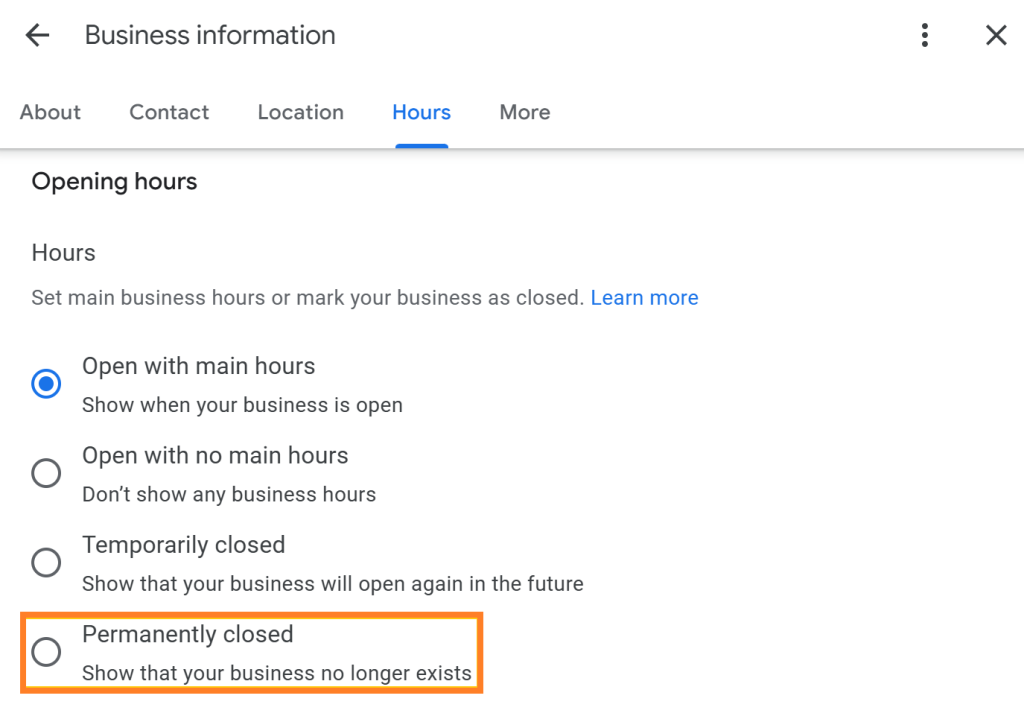
The Biggest mistake: Creating a totally new business Profile (GBP) and losing all the progress your current one has established. You will have to start from scratch again, from farming reviews to posting GBP updates.
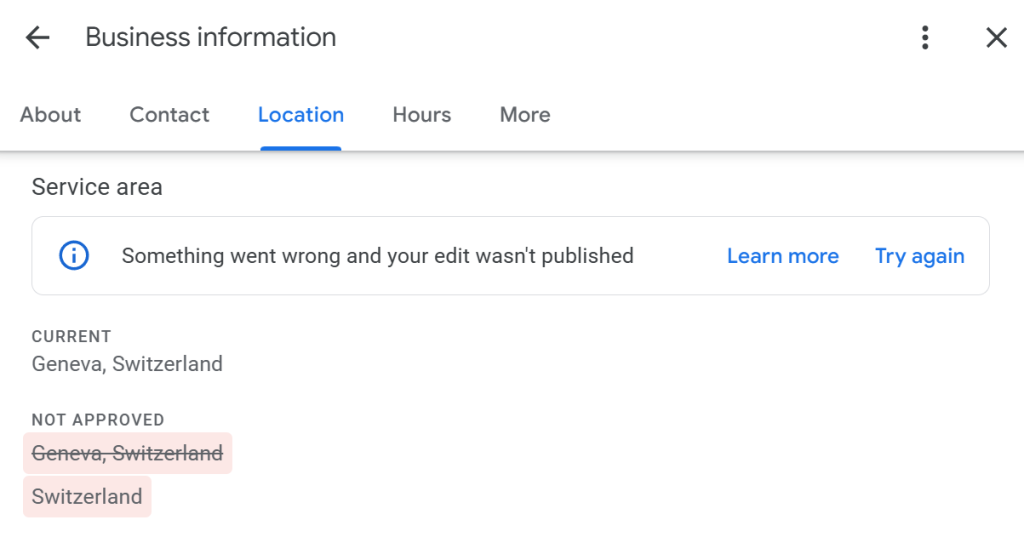
Avoid: After making a major change like a business name or location, do not make multiple edits/changes consecutively. This can cause your GBP to get flagged for “suspicious activity” triggering a profile suspension.
Want This Fixed, Not Just Explained?
If you want this dealt with properly, our Google Maps optimization service, which starts at $375, includes everything: profile, citations, keyword strategy, and fixing the precise issue you came here for. Consider booking a free consultation with me by clicking here.