
Read (2 mins)
If you can see a Google review on mobile but not on desktop, then most likely it’s a syncing issue. Basically, Google Maps is failing to send the same live data to its mobile and desktop versions at the same time.
It’s a well-known issue and not just unique to your Google Business Profile (GBP). The review (data) to sync across the platform between different devices can take anywhere from 2 hours to 120 hours.
This can look strange on your business profile since each device can show different star ratings and review counts. But what if it’s already been more than 5 days and your reviews are still not syncing up?
Also, keep in mind that Google Maps uses a lightweight database that can update faster than the heavy desktop search results.
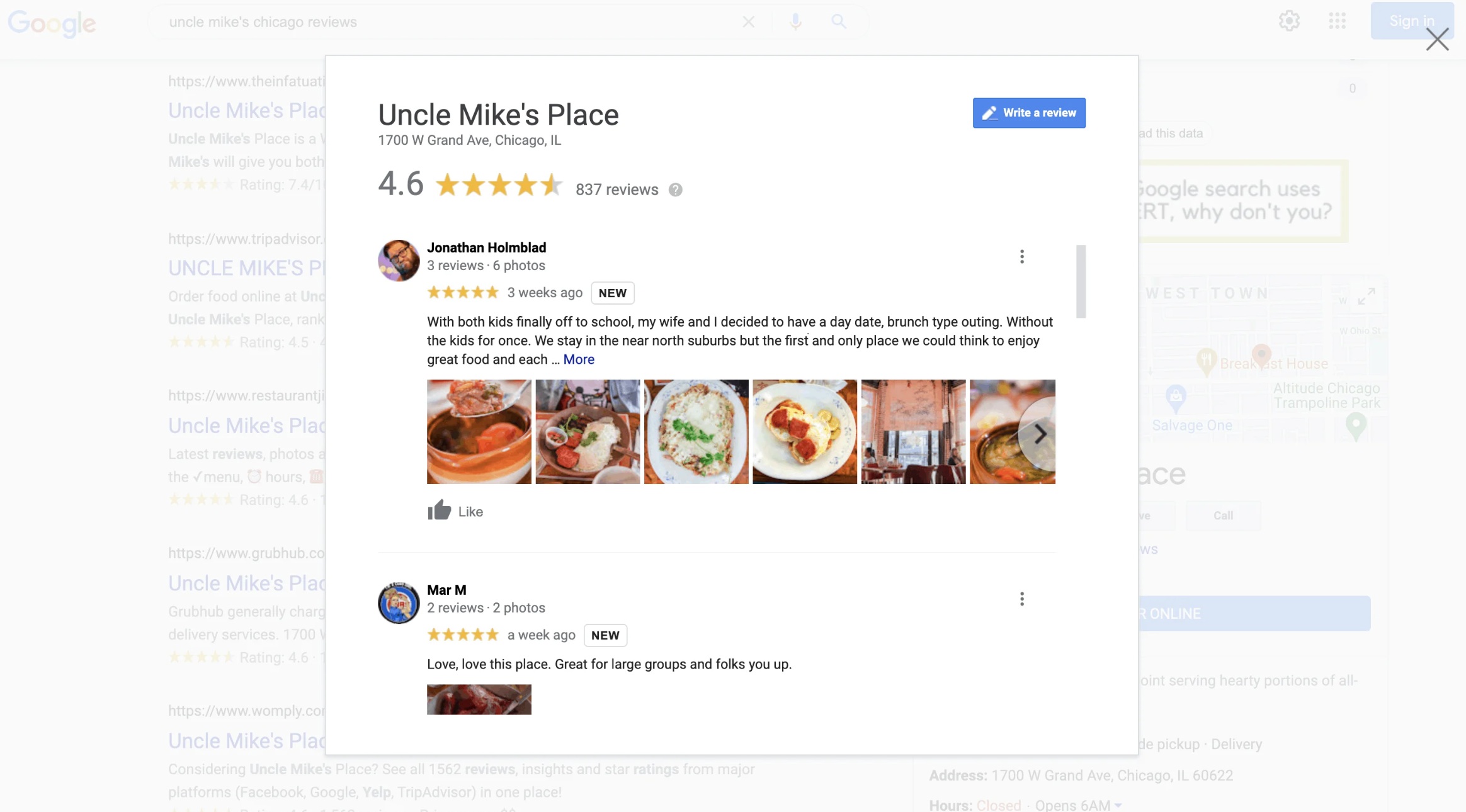
Why Some Reviews Get Filtered Out
Usually, this is caused by data center syncing delays or spam filters. Basically, some reviews may have very specific vocabulary or an image that may cause an automatic flag.
This anti-spam filter is designed to keep Google Maps free from fake reviews and explicit content. You can read Google Maps content policy to check if the review violates it.
Note that Google can sometimes set some reviews to “private” if it got flagged by its spam or moderation filters. This may be why the review is only visible to the person who wrote it.
Fixing Google Reviews Syncing Issues
First, try to open your GBP in an incognito tab (while you’re not signed in) to check if it’s on your end or Google’s.
If you can see the review on incognito, then the review is live. So the issue is just with your browser cache, which can be easily fixed by clearing your browser cache and relaunching your browser.
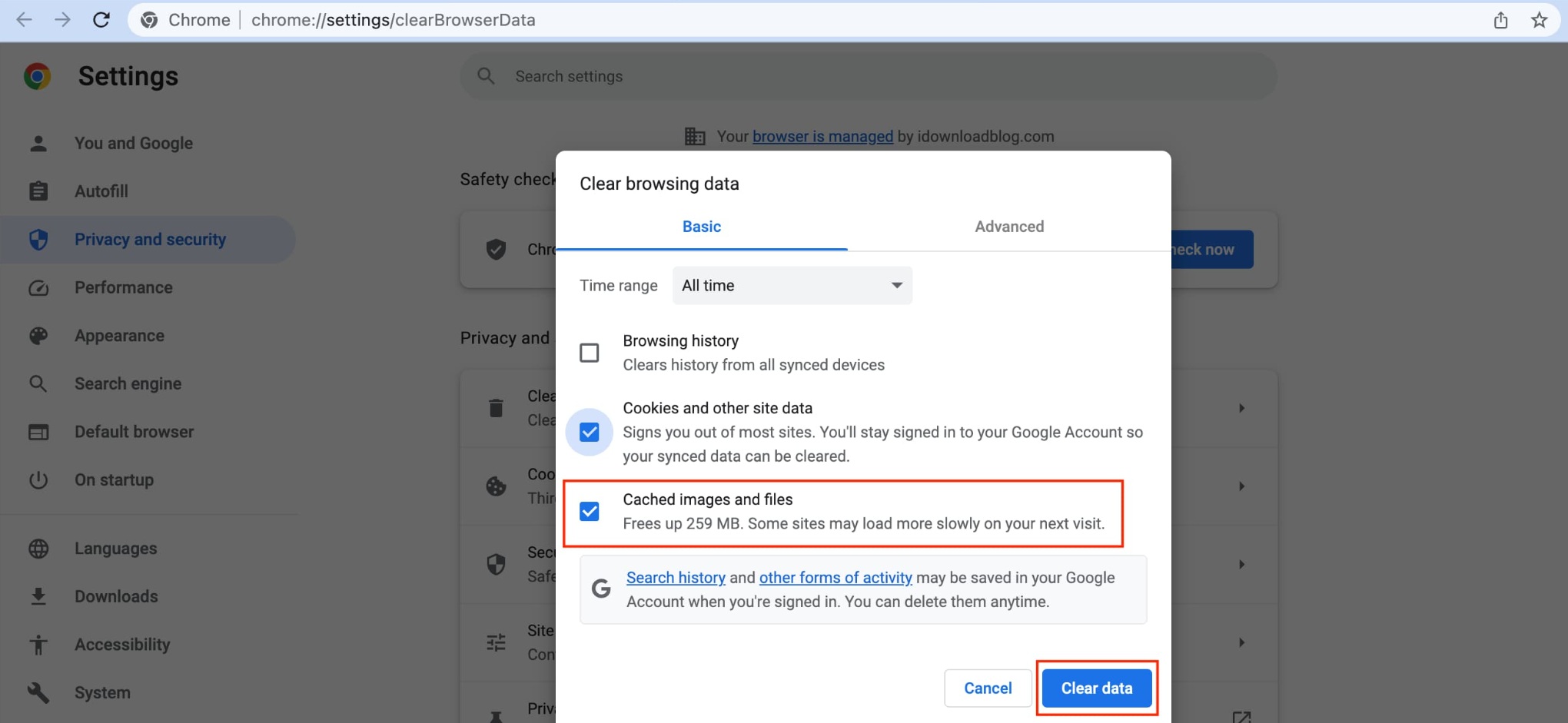
Also, try disabling extensions that can interfere with how different websites display on your browser. And this is a silly one, but did you try checking if Google Business Profile is not set to “restricted“?
Want This Fixed, Not Just Explained?
If you want this dealt with properly, our Google Maps optimization service, which starts at $375, includes everything: profile, citations, keyword strategy, and fixing the precise issue you came here for. Consider booking a free consultation with me by clicking here.